
 Join our Discord
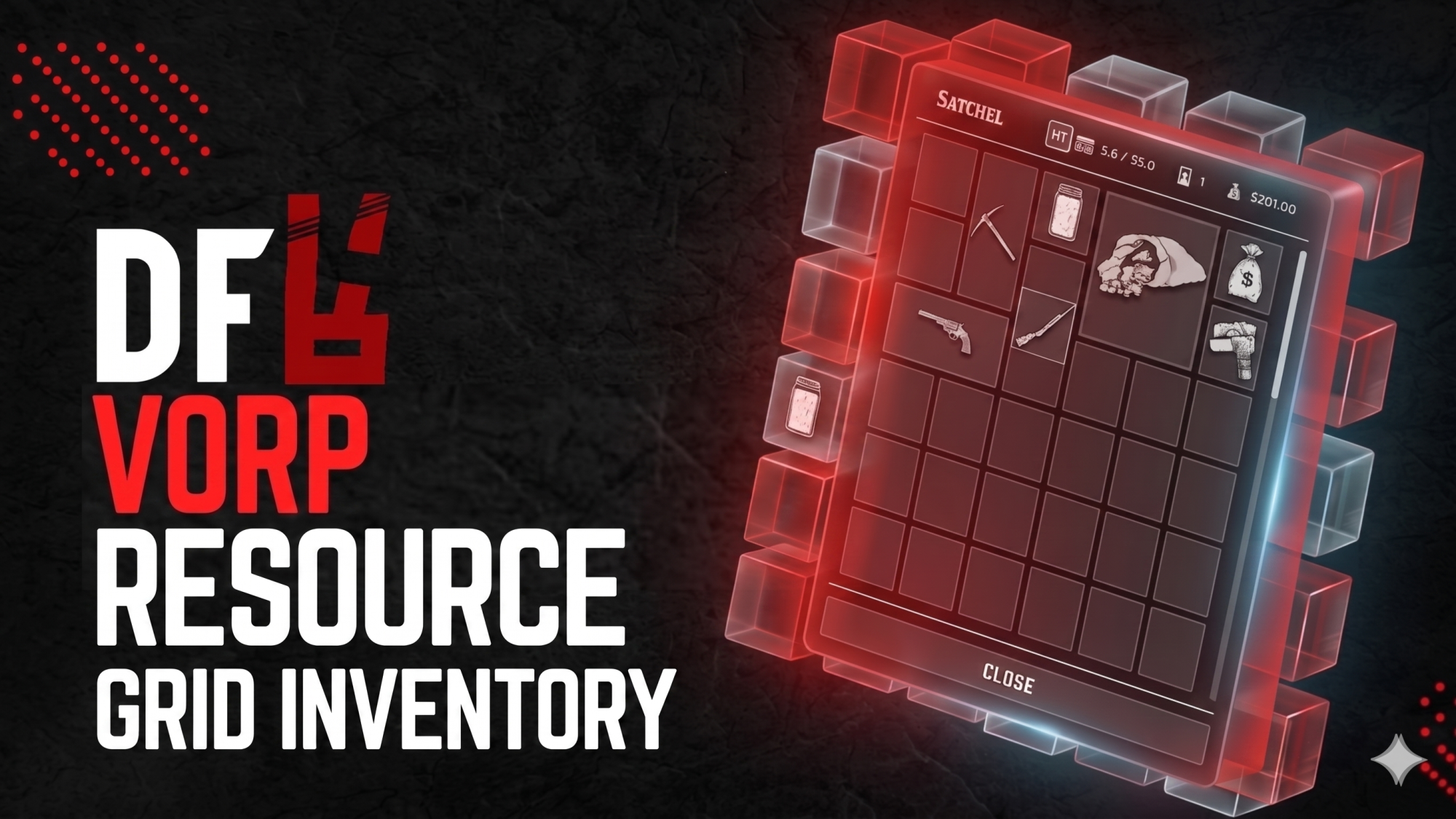
DF Grid Inventory replaces the default inventory interface with a modern grid (Tetris-style) layout built on top of VORP Inventory. Items keep real VORP behaviour while gaining clearer visuals and smoother placement.
Features
-
Grid placement — drag, drop, and rotate items to fit your layout; configurable sizes per item / type (including weapons).
-
Hotbar — 5 slots, usable from the UI or with keys 1–5 when closed (optional blocking of native quick-select to avoid conflicts).
-
Weight & money — header stats; optional virtual “cash” and gunbelt tiles on the grid (configurable).
-
Drop to ground — drag outside the UI to drop using VORP’s drop flow.
-
Secondary inventory — works with VORP custom inventories (stash, warehouse, shop containers, etc.) with drag between main and second panel where your scripts open it.
-
Weapons — equip / unequip integrated with VORP behaviour; unequip when dropping or moving an equipped weapon to storage when applicable.
-
Give to nearby players — context menu flow with a themed modal; uses VORP give server events with proximity checks.
-
English UI — notifications and interface strings aimed at English-first servers (editable via config where exposed).
Requirements
-
RedM
-
vorp_core
-
vorp_inventory
-
oxmysql
Notes
-
This resource focuses on the grid UI and layout while relying on VORP Inventory for items, weapons, metadata, and economy.
-
Tune grid columns/rows, icons, virtual tiles, and behaviour in
shared/config.lua.